Hello everyone who’s reading my blog!
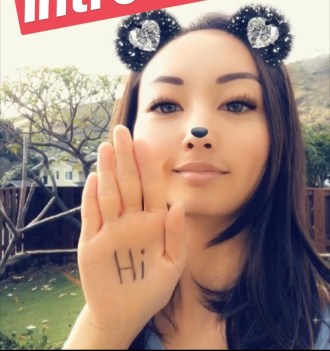
Welcome to my first blog entry of my online class LTEC 647E Learning with Emerging Tech: Critical Trends! For our first assignment, we were to make a short 30-120 second-long “Selfie Introduction” video that explains something about yourself. It can be about a particular event or personal interests or hobbies. Once I saw the word “selfie,” I already thought of an idea: selfie filters! When I told Mellissa of my idea, she said, “Oh, just like the Maroon 5 music video!” I didn’t know what she was referring to so she sent me this video: https://youtu.be/TnCa71iUVxA. It was exactly what I was thinking and I loved it! So, I needed to make my own song… I’m not so great at that part.
I picked a relatively easy song to use, wrote my own lyrics with the help of some friends, and recorded and edited the audio on GarageBand within a couple of days. I filmed of all the selfie filters from Instagram, Snapchat, and Facebook Messenger, which might have taken about half a day or so.
The tech bit moment was that ALL the editing was completely done on my iPhone with the iMovie app. It was the first time using the app on my phone and to my surprise, it was much simpler to edit on the phone then it would have been on my computer. I didn’t have to worry about sending large video files to my computer, downloading and trimming each clip, and arranging them all together. I was able to film a clip, snip and edit, then film another clip, snip and edit. I think the iMovie app was super useful in editing on-the-go or when you want to make a quick slideshow of images that are all on your phone already.
If you want to watch my Selfie Intro Song, click on here! I hope you like it and it’s nice to meet you!

